
About This Course
- CANVA & SCRATCH
- Canva is a graphic design platform with templates for various designs. Scratch is a beginner-friendly programming language for creating interactive projects. Both offer customization options and sharing capabilities.
Learning Objectives
From this overview, you've learned:
1. **Canva**:
- How to sign up for an account.
- The basics of creating designs using templates and elements like text, images, and shapes.
- Customization options such as adjusting colors, fonts, and sizes.
- How to download and share your designs.
2. **Scratch**:
- How to sign up for an account on the Scratch website.
- The fundamentals of Scratch's block-based visual programming language.
- How to create projects using sprites and backgrounds.
- The importance of experimenting and exploring different features.
- How to share and remix projects with the Scratch community.
Overall, you've gained an understanding of how to get started with both Canva for graphic design and Scratch for programming, making it easier for you to begin exploring and creating your own projects in each platform.
Material Includes
- Canva provides a wide range of materials, including:
- - Templates for posters, social media graphics, presentations, and more.
- - Elements such as text, images, shapes, icons, and backgrounds.
- - Customization options for colors, fonts, sizes, and positioning.
- Scratch offers materials such as:
- - A block-based visual programming language.
- - Sprites (characters or objects) and backgrounds for creating projects.
- - Tutorials, community projects, and resources for learning and inspiration.
Requirements
- Here's a summarized version:
- **Canva:**
- - Requirements: Internet access and a device.
- - Instructions: Sign up, explore templates or start with a blank canvas, add elements, customize, and download or share.
- **Scratch:**
- - Requirements: Internet access and a device.
- - Instructions: Sign up, explore projects, create a new project, use block-based coding to program, add sprites and backgrounds, test, debug, and share.
Target Audience
- The targeted audience for Canva includes individuals or businesses looking for an easy-to-use graphic design tool to create various designs such as posters, social media graphics, and presentations.
- For Scratch, the targeted audience is beginners, particularly kids and young learners, who want to explore programming concepts in a visual and interactive way by creating stories, games, and animations.
Curriculum
1 Lesson2h 12m
Introduction to Scratch & Canva .
Canva: Design platform, fun templates, customize designs, easy sharing.
Scratch: Programming for fun, create games and animations, share projects, explore community creations.
FULL CANVA TUTORIAL 2024 | How To Use Canva For BEGINNERS!2:12:08
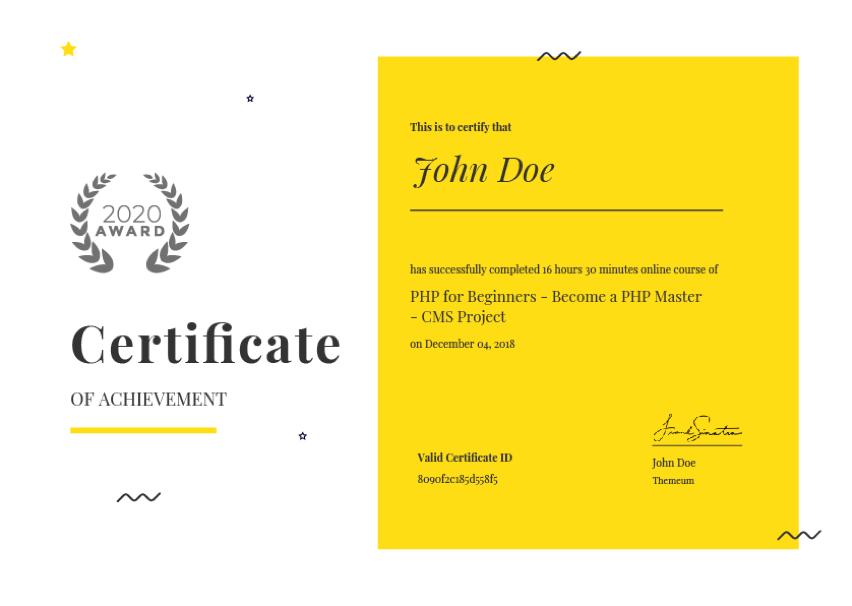
Earn a certificate
Add this certificate to your resume to demonstrate your skills & increase your chances of getting noticed.
Your Instructors

Student Feedback
Reviews (1)

Best Ever!
Free
Material Includes
- Canva provides a wide range of materials, including:
- - Templates for posters, social media graphics, presentations, and more.
- - Elements such as text, images, shapes, icons, and backgrounds.
- - Customization options for colors, fonts, sizes, and positioning.
- Scratch offers materials such as:
- - A block-based visual programming language.
- - Sprites (characters or objects) and backgrounds for creating projects.
- - Tutorials, community projects, and resources for learning and inspiration.